tutorials
Using LLM Foundry API keys
These are instructions to applications that support OpenAI-compatible API keys to use LLM Foundry API keys.
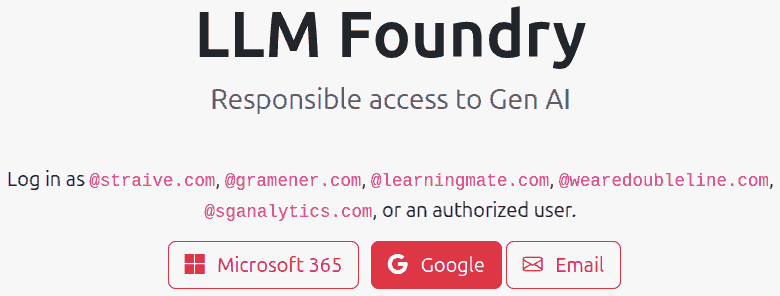
STEP 1. Visit https://llmfoundry.straive.com/ or https://llmfoundry.straivedemo.com/ and log in with your work email by clicking on the “Google” button.
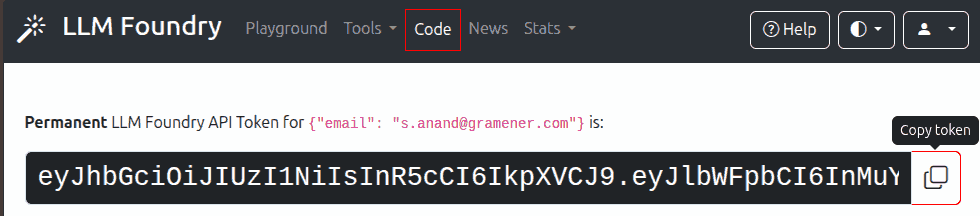
STEP 2. Click on the “Code” link in the top navigation bar. Copy the LLM Foundry API token.
STEP 3. You may find a “Configure” or “Settings” option in the app. In that, enter:
- API Base URL:
https://llmfoundry.straive.com/openai/v1(orhttps://llmfoundry.straivedemo.com/openai/v1). - API Key: Paste the token you copied in Step 2.
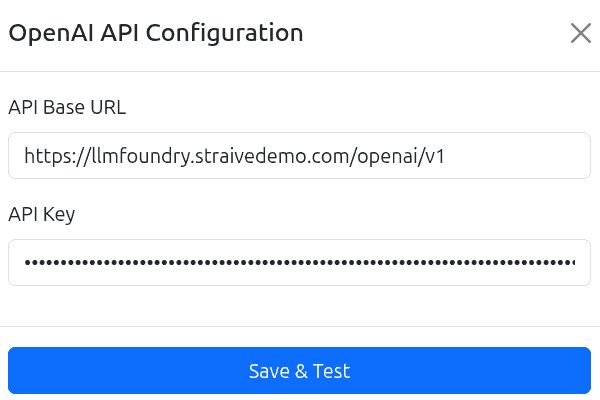
STEP 4. Click on Save & Test. You may then start using the application.